Secure Faxing for Legal Documents: Send Files Safely from Any Device (No App Required)
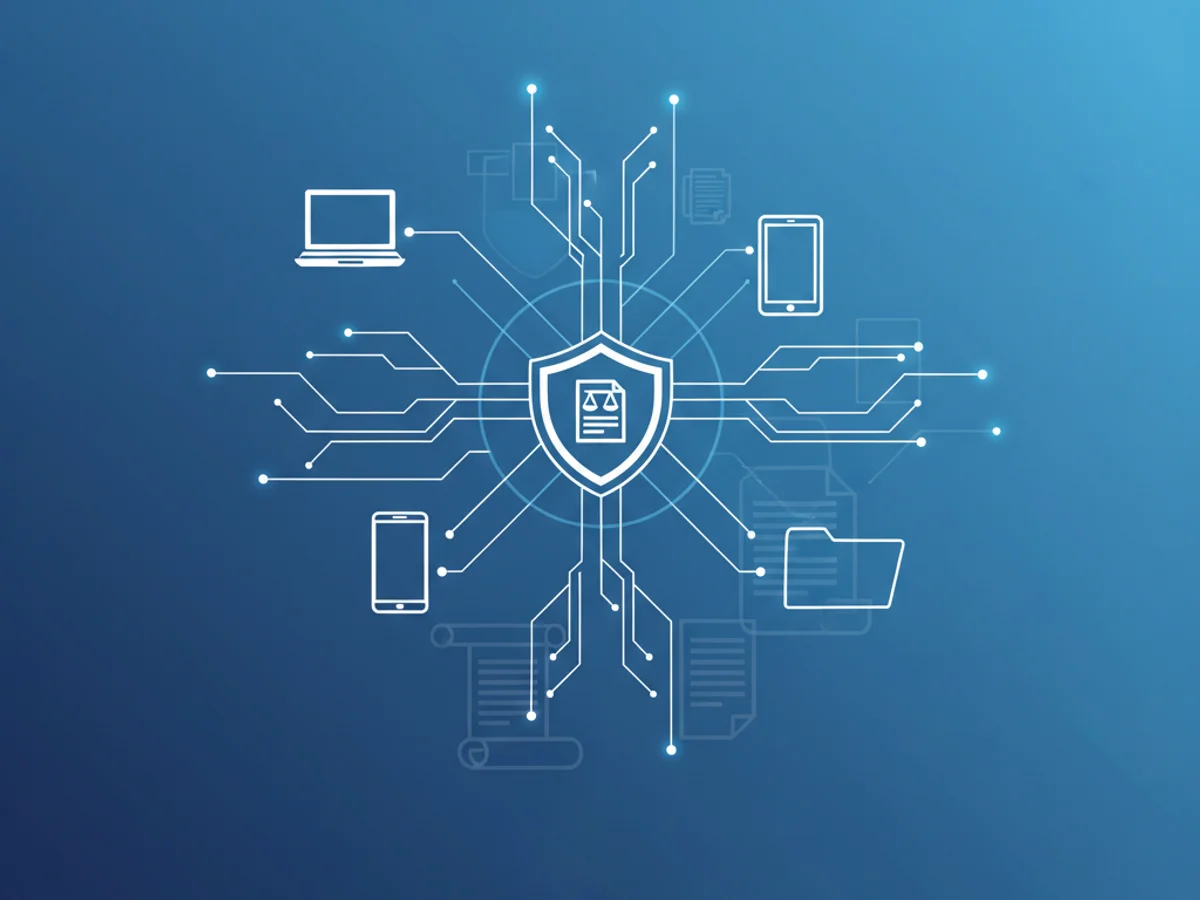
Legal teams still rely on faxing because it provides a reliable chain of custody, clear delivery confirmation, and broad acceptance across courts, firms, medical providers, and financial institutions. But security and privacy can’t be afterthoughts—especially when sensitive contracts, filings, discovery, and client data are in play.
This guide explains how to send secure faxes for legal documents, what “secure” should mean in practice, and why BestFax.com is the fastest, most secure way to fax from any device—without installing software or downloading a mobile app.
What “secure faxing” means for legal documents
When you fax legal documents, you’re safeguarding two things: confidentiality and evidentiary value. A secure workflow should protect the content during transfer and provide proof that the document was delivered as intended.
Here’s what to look for—and what BestFax.com delivers—when you need legal-grade security:
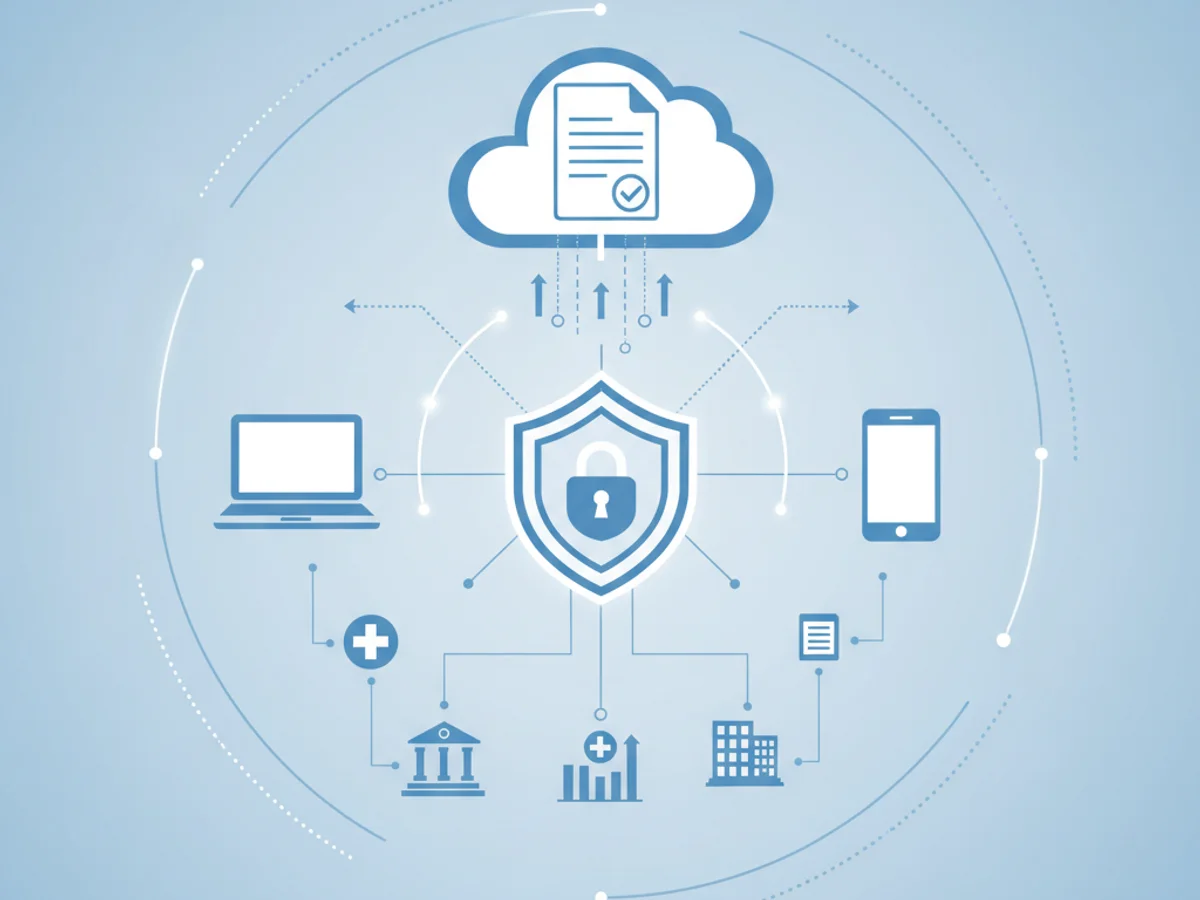
- Confidentiality: Your documents should be transmitted over encrypted connections, with access limited to authorized users. BestFax.com provides secure, HIPAA-compliant faxing to help keep sensitive information protected.
- Integrity: The file you send should arrive intact and unaltered. Online confirmations and delivery status help you verify what was sent and when.
- Proof of delivery: You need records that show the fax was successfully delivered. BestFax.com gives you confirmations you can retain with your matter files.
- Controlled access: Team members should only see what they’re authorized to see. Use account-level controls and store confirmations in your firm’s secure repository.
- Mobility without risk: You should be able to send and receive from anywhere—without introducing new vulnerabilities. With BestFax.com, you fax securely from any modern web browser on iPhone, Android, tablets, or computers—no app download required.
Why skip the office machine? Traditional fax hardware can expose documents to prying eyes on shared trays and can be misdialed. BestFax.com eliminates those paper risks while giving you the same (or better) reliability and auditability.
Step-by-step: How to send a secure legal fax in minutes
With BestFax.com, you can send a secure fax immediately—no software installs, no app store, no IT tickets. Just use the browser you already have.
- Prepare your documents
- Compile the final, clean version of your document (PDF recommended). If you must send images, ensure they’re clear and cropped.
- Redact any information that should not be disclosed prior to uploading.
- Confirm the recipient’s fax number and department to avoid misrouting.
- Open BestFax.com in your browser
- On your iPhone, Android, tablet, Windows PC, or Mac, open your web browser and go to BestFax.com.
- Sign in or create a secure account in minutes.
- There’s nothing to install—start faxing immediately.
- Create your fax
- Enter the recipient fax number and, if needed, add attention lines or department details.
- Attach your document files.
- Add a professional fax cover page (included) with your firm name, matter number, and a confidentiality notice.
- Review and send securely
- Double-check the number and attachments.
- Send your fax. BestFax.com handles secure transmission and provides delivery status and confirmations.
- Track and receive
- Monitor your fax status from your account in any browser.
- Receive inbound faxes the same way—right in your secure BestFax.com portal on mobile or desktop.
That’s it. From courthouse hallways to client offices, you can send and receive legal faxes without ever downloading a mobile app. BestFax.com is designed for on-the-go professionals who need security, speed, and simplicity.
Best practices to protect legal information when faxing
Security isn’t only about the platform you choose; it’s also about your process. Combine BestFax.com with these habits to strengthen protection and compliance:
- Verify recipient details: Confirm the fax number, recipient name, and department before sending. A quick call or secure email confirmation can prevent misdelivery.
- Use cover pages with confidentiality notices: Professional cover pages help ensure misdirected faxes are handled appropriately and provide clear identification.
- Limit who can send and see faxes: Restrict account access to authorized team members and use unique logins to preserve accountability.
- Keep matter-aligned records: Download and store delivery confirmations with your case files for audit trails and court-ready documentation.
- Secure your device and network: Use device passcodes and reputable, private Wi‑Fi or cellular data when sending. Avoid public, unsecured hotspots for sensitive transmissions.
- Send only what’s needed: Transmit the minimum necessary content to complete the task and avoid including extraneous client information.
- Retain or delete responsibly: Follow your firm’s retention policy for both documents and confirmations, and regularly review user access.
Why BestFax.com is the clear choice for secure legal faxing
BestFax.com is built for professionals who need secure, dependable faxing without friction. Whether you’re a solo practitioner, part of a boutique firm, or managing enterprise legal ops, BestFax.com streamlines the entire fax experience while protecting sensitive information.
Key advantages:
- Works on any device with a web browser: Fax from iPhone, Android, tablets, Windows, or Mac—no special hardware needed.
- No software or app installation required: Start faxing instantly from your browser. Skip the app store and IT approvals.
- Secure, HIPAA-compliant faxing: Safeguard client data with a service designed to meet strict security standards.
- Send and receive on the go: Access your fax inbox and outbox securely from your mobile browser—ideal for hearings, client visits, or travel.
- Professional cover pages included: Add a clean, branded cover sheet with confidentiality language at no extra cost.
- Affordable pricing: Choose pay‑per‑fax for occasional use or subscribe monthly for predictable volume—keep costs aligned with your caseload.
- Reliability and confirmation: Get delivery status and confirmations to help maintain a defensible audit trail.
Unlike traditional fax machines or complicated software, BestFax.com gives you legal-grade security with consumer-grade ease. And because it’s 100% browser-based, your team can adopt it immediately—no training curve, no downloads, and no risk of exposing documents on a shared office tray.
Ready to simplify secure faxing for legal documents?
- Go to BestFax.com and create your account in minutes.
- Send your first secure fax directly from your mobile or desktop browser—no app needed.
- Keep your matters moving with fast, reliable, and compliant faxing.
Take the friction out of legal faxing and protect client confidentiality at every step. Try BestFax.com today.
Related Posts

Never Miss a Fax Again: Always-On, 24/7 Receiving With BestFax.com (No App Required)
Receive faxes 24/7 from any device—no app needed. BestFax.com delivers secure, HIPAA-compliant, always-on faxing through your mobile or desktop browser.

Enterprise Fax API Integration: Build Secure, Mobile-Ready Workflows with BestFax.com
Integrate secure, HIPAA-compliant faxing into your enterprise apps with BestFax.com. Browser-based, no app needed, works on any device. Learn best practices and start today.
Online Faxing vs Traditional Fax Machines: Why BestFax.com Is the Obvious Choice
Online faxing outclasses traditional machines. BestFax.com lets you send and receive securely from any mobile browser—no app needed. Try the free trial.