Streamline Insurance Claims Processing via Fax—Instantly from Any Device
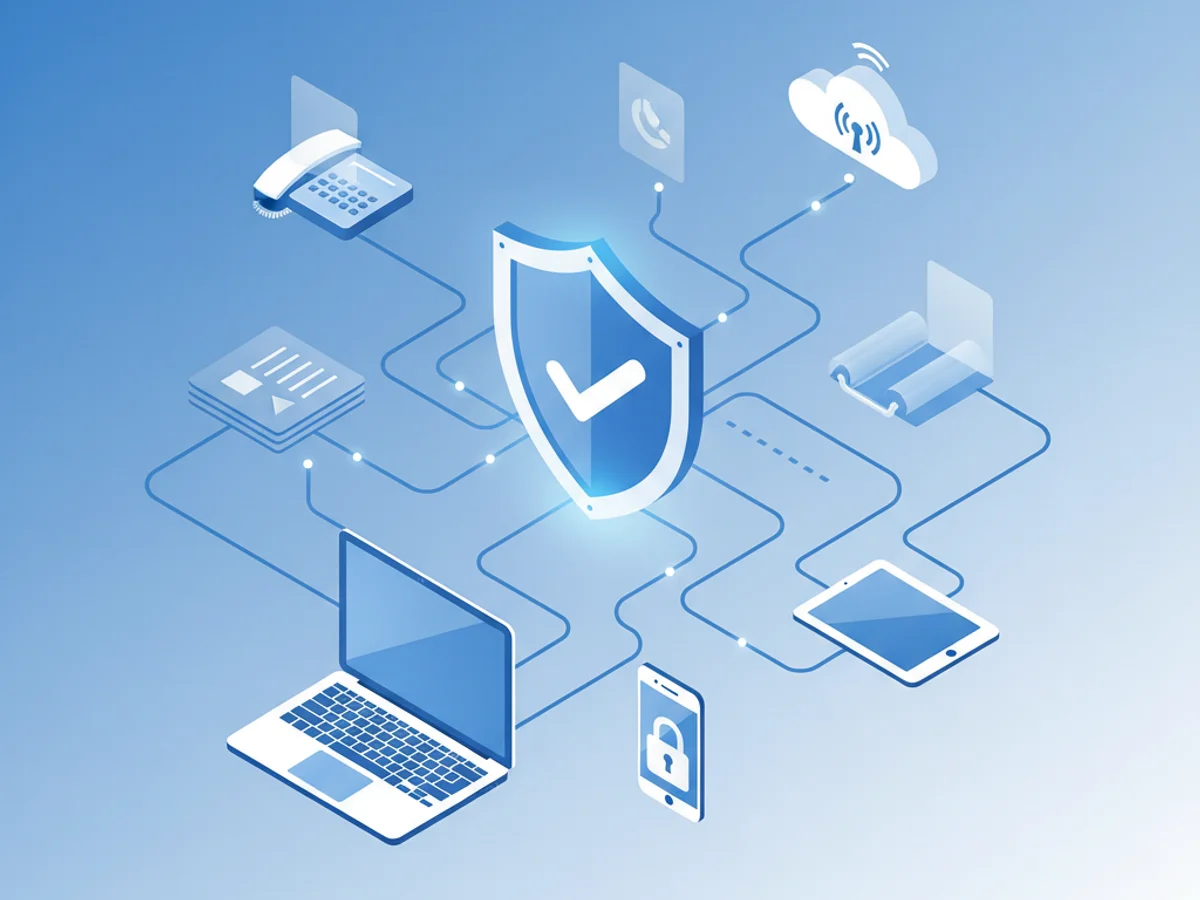
Insurance claims are time-sensitive, data-heavy, and often involve protected health information. Faxing remains a cornerstone of claims workflows because it’s universally accepted by insurers, TPAs, hospitals, and clinics, and it provides a clear audit trail for every submission. If you need to send, receive, and track claim documentation fast, you don’t need a clunky machine or yet another app on your phone—BestFax.com lets you fax securely from any web browser on iPhone, Android, tablets, and computers.
BestFax.com is built for the realities of insurance claims processing: secure transmission, HIPAA-compliant handling, professional cover pages, and instant access from wherever you work. No software installation. No app store downloads. Just open your browser and get it done.
Why Fax Still Powers Insurance Claims
Despite the rise of electronic portals, fax is still the most reliable bridge between providers, payers, and billing teams. Here’s why:
- Universal acceptance: Most insurance carriers and claims departments accept faxed submissions for initial claims, appeals, prior authorizations, and supporting documentation.
- Compliance-friendly: Faxing is a compliant method to transmit PHI when handled properly. With HIPAA-compliant tools like BestFax.com, your data is encrypted and protected.
- Clear audit trail: Time-stamped delivery confirmations and records help you prove what was sent and when, which matters for timely filing and appeal deadlines.
- Interoperability: Fax works across different systems and organizations without complex integrations, making cross-organization communication straightforward.
Traditional fax machines create friction—paper jams, busy phone lines, and manual filing. Mobile “fax apps” add another hurdle by forcing downloads and device permissions. BestFax.com removes all of that. You can prepare, send, and receive claims documents straight from your mobile browser, keeping your workflow fast and consistent without installing software.
How to Send and Receive Claims via Browser with BestFax.com
BestFax.com makes claims processing simple, secure, and immediate. Here’s a step-by-step guide to faxing your insurance documentation from any device with a web browser:
Gather your documentation
- Standard claim forms (CMS-1500, UB-04, dental claim forms, workers’ comp forms)
- Itemized bills, medical records, progress notes, operative reports
- Prior authorization letters, appeal narratives, EOBs/ERAs, coordination of benefits details
- Ensure documents are legible and saved as PDF, PNG, or JPG for upload
Prepare a professional cover page
- BestFax.com includes professional cover pages to route claims correctly
- Include key identifiers:
- Claim number
- Member/insured name and date of birth
- Provider name, NPI, and contact info
- Date(s) of service and facility
- Number of pages and a brief description of contents
Open BestFax.com in your browser—no app needed
- Works perfectly on iPhone, Android, and tablets, as well as desktops and laptops
- Log in or create an account in seconds
- Upload files from your device or cloud storage
Enter the recipient fax number and send
- Add the payer, TPA, or claims department fax number
- Attach your cover page and supporting documents
- Click send and receive a confirmation when delivery is completed
Track and receive responses
- Send and receive faxes right in your browser
- Use delivery confirmations and history logs to follow up with carriers
- Archive your documents securely for auditing and appeals
With BestFax.com, your entire claims workflow runs in the browser—from submission to response—so your team can work anywhere without installing software. That’s a major advantage for remote billing teams, traveling case managers, and providers who need to submit documentation on the go.
Security, Compliance, and Pricing Built for Insurance
HIPAA compliance and data security are non-negotiable in insurance claims. BestFax.com provides the safeguards you need:
- HIPAA-compliant faxing: Designed to protect PHI throughout transmission and storage
- Encryption: Secure encryption in transit and at rest
- Access controls: Role-based permissions help keep sensitive documents limited to the right users
- Audit trail: Delivery receipts and activity history support timely filing and appeal proof
Operationally, BestFax.com drives efficiency and cuts costs:
- No hardware or phone lines: Eliminate maintenance, toner, and dedicated line fees
- No app downloads: Fax instantly from any browser—iPhone, Android, tablets, or computers
- Professional cover pages included: Ensure accurate routing and faster adjudication
- Affordable pricing options:
- Pay per fax for occasional submissions
- Monthly subscriptions for high-volume teams
Practical tips to speed up claim adjudication with BestFax.com:
- Combine documents logically and use clear filenames (e.g., Claim_123456_ItemizedBill.pdf)
- Keep scans crisp—use high-contrast, 200–300 DPI for medical records and forms
- Confirm delivery and note timestamps for your billing tracker or practice management system
- Reference claim numbers in both the cover page and document headers
- Send during business hours to reach payer queues faster, then follow up with your confirmation number
Common fax use cases in insurance workflows:
- Initial claim submissions and resubmissions
- Prior authorization requests and supporting medical necessity documentation
- Appeals and reconsiderations with clinical attachments
- Workers’ compensation claims and employer forms
- Coordination of benefits requests and responses
- Dental and vision claims with chart notes and radiographs
Why BestFax.com is the recommended solution:
- Works on any device with a web browser—no app or software to install
- Send and receive faxes from your mobile browser on iPhone, Android, and tablets
- Secure, HIPAA-compliant faxing designed for insurance and healthcare data
- Professional cover pages included for cleaner routing and faster processing
- Affordable pricing that scales with your volume, from per-fax to monthly plans
If you’ve been wrestling with outdated machines or juggling app downloads, it’s time to modernize your claims process. BestFax.com lets your team submit, track, and receive documents from anywhere—without sacrificing compliance or speed.
Ready to streamline your insurance claims via fax? Visit BestFax.com to start sending and receiving securely in your browser—no app needed.
Related Posts

Enterprise Fax API Integration: Build Secure, Mobile-Ready Workflows with BestFax.com
Integrate secure, HIPAA-compliant faxing into your enterprise apps with BestFax.com. Browser-based, no app needed, works on any device. Learn best practices and start today.
Online Faxing vs Traditional Fax Machines: Why BestFax.com Is the Obvious Choice
Online faxing outclasses traditional machines. BestFax.com lets you send and receive securely from any mobile browser—no app needed. Try the free trial.

Why Fax Still Matters in Law—and How to Do It From Any Device, No App Needed
Law firms still rely on fax for compliant, traceable document transfer. See how BestFax.com delivers secure, HIPAA‑compliant, browser‑based faxing—no app required.